

Introducing 🍃MClusterAdmin: A Lightweight GUI Tool for MongoDB DBAs
Przemek Malkowski
 Percona
Over the years working on various MongoDB troubleshooting cases, I’ve been wondering how to handle the longish JSON outputs from the most common diagnostic commands, like rs.status(), sh.status(), or db.currentOp(), not to mention db.serverStatus()! They are just painful and slow to read. I even came up with various scripts to present the data in table format, similar to what we know from MySQL, but I was never satisfied with them.
Finally, I thought it was futile to look for a universal solution that would yield human-friendly outputs in command-line sessions.
So, why not have a nice graphical interface to visualize replica sets, sharding state, connections, and more instead? I looked for available GUI tools for MongoDB and came to the impression that almost all of them are built for developers. They are great for browsing collections, editing documents, or composing queries, but when it comes to typical DBA daily tasks — checking replication health, inspecting replica set configuration, or understanding what is really going on inside a sharded cluster — we are really down to the mongo shell. There is nothing wrong with the shell client, of course, but some things are simply easier to digest when presented visually. Here, of course, PMM does allow that, but it has a bit of a different purpose - long-term monitoring, and has to be installed and set up first. Besides, it does not do everything I wanted.
So, encouraged to experiment with vibe coding in Percona, I decided to experiment with filling this gap myself and started a small personal project: a lightweight DBA-oriented GUI interface called MClusterAdmin.
Project description
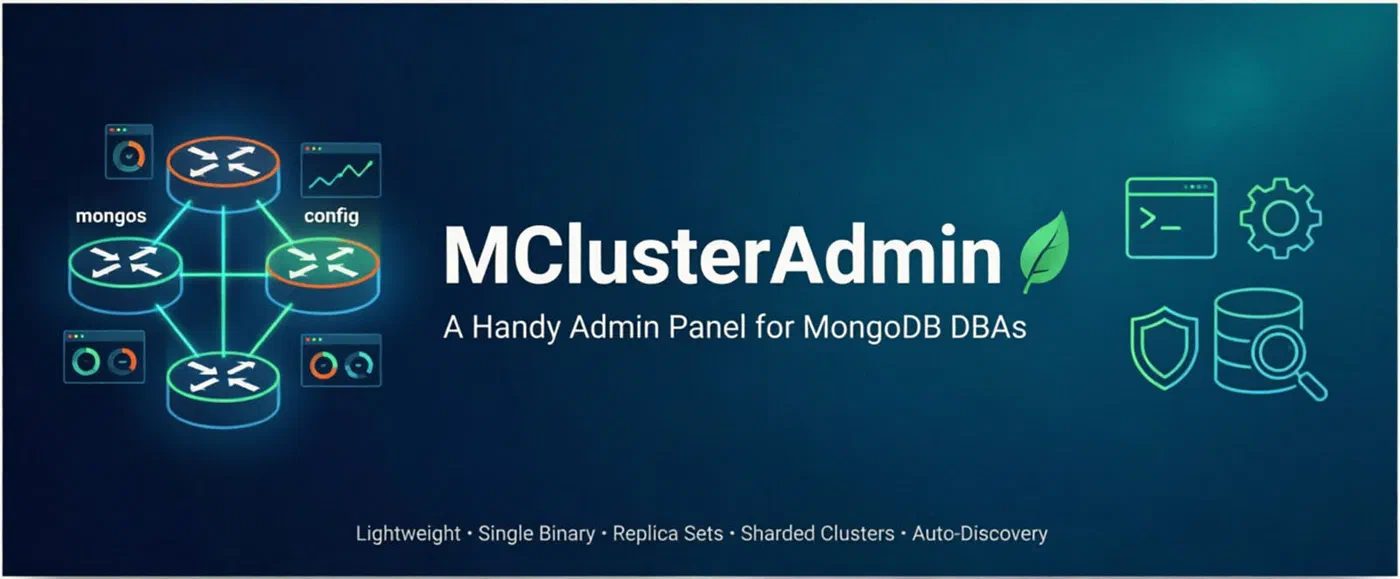
MClusterAdmin is a tool designed to be self-hosted, with a backend written in Go, while the frontend is in HTML and JavaScript. It offers a web UI interface featuring typical DBA perspective dashboards. The whole application ships as a single, small binary, with no agents, no external services, and no internal database of its own.
In order to try it, you need to copy the binary to a host that has access to the MongoDB servers to be monitored. I suggest running first locally on some test environment, like one created using mlaunch, anydbver, mongo_terraform_ansible, or a similar sandbox tool. For Docker environments, you can use the already existing image, just make sure your container shares the same network as the MongoDB cluster.
The tool has no authentication on its own. Very similarly to mongosh, the MongoDB URI and credentials you provide determine what it will be able to offer. You can connect a standalone instance, a replica set member, or a mongos router. The tool will discover the rest of the topology automatically and will establish individual connections to each member. No SSH access to the database hosts is needed.
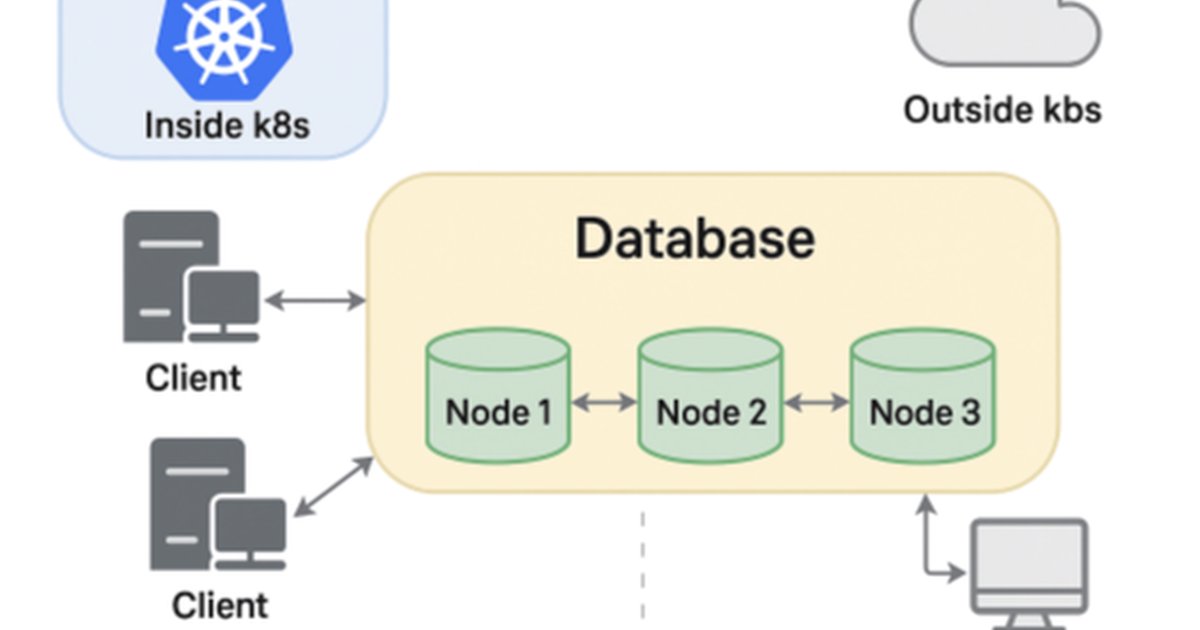
With its tiny footprint, it should fit well into your cloud/K8S MongoDB deployments.
Let me be clear about what MClusterAdmin is not: it is not a data browser — you will not view or edit your collections’ documents with it. There are plenty of other tools for that! It is, again, not a long-term monitoring or alerting solution; for that, I strongly recommend Percona Monitoring and Management (PMM). MClusterAdmin is designed for quick, interactive cluster inspection and simple administrative operations that a DBA performs many times a day.
I will point out the key features that I decided to implement further below, but I guess watching a quick demo presentation will allow you to judge the tool much faster:
I don’t think it makes sense to describe all the features I was able to implement so far in detail. I hope everything is intuitive enough so that you can see for yourself. The documentation is available on GitHub if needed.
In short, my aim was to provide useful views covering replication topology and settings, sharding members and routers, but also overall database size statistics and their distribution among shards. This includes per-collection detailed sharding stats, data, and index sizes, etc. In addition to that, for each discovered MongoDB instance, you should be able to see basic WiredTiger usage stats, oplog details, including an on-demand breakdown of which collections changes generated the most recent oplog traffic, as well as some other most important server settings and usage summaries.
You will also find slow queries profiling, with the query explain module, as well as a quite functional users and roles management section.
The last security-focused section allows you to check whether authentication is enabled on each host, as well as what is the usage of each authentication mechanism.
Getting Started
Running MClusterAdmin takes a few seconds. Just download the suitable binary from the release page, or compile it yourself:
git clone https://github.com/PrzemekMalkowski/mclusteradmin.git
cd mclusteradmin
go build -o mca .
./mca
Then open the relevant address (by default http://localhost:8787) in your browser and paste your MongoDB connection URI to connect. There is also a --view-only flag, which disables all mutating operations both in the UI and at the API level — handy when you just want a safe, read-only window into a cluster. TLS mode for the web service interface is supported as well.
Kubernetes integration
It is extremely easy to add MClusterAdmin as a diagnostic pod to your existing MongoDB cluster in Kubernetes. Just use the available Docker image from the GitHub repository!
An example MClusterAdmin.yaml configuration can be as simple as:
apiVersion: apps/v1
kind: Deployment
metadata:
  name: MClusterAdmin
spec:
  replicas: 1
  selector:
    matchLabels:
      app: MClusterAdmin
  template:
    metadata:
      labels:
        app: MClusterAdmin
    spec:
      containers:
      - name: MClusterAdmin
        image: ghcr.io/przemekmalkowski/mclusteradmin:latest
        ports:
        - containerPort: 8787
A Word of Caution
MClusterAdmin is currently in beta, and it is a personal side project, so please do not point it at your production clusters just yet — test it in a safe environment first. The connected MongoDB user needs privileges matching the dashboards you want to use; the documentation breaks these down per feature, so you can follow the least-privilege approach instead of simply granting root.
Summary
MClusterAdmin was created as an attempt to fill the gap I found to be the case in the MongoDB community: a lightweight, replication- and sharding-aware GUI for MongoDB DBAs, free from any data-browsing ballast. The project is open source (GPLv3), and the code is available on GitHub. If you find it useful, miss a feature, or hit a bug, I would love to hear from you. Feedback is very welcome!
The article was created by a human. ∎

Discussion
We invite you to our forum for discussion. You are welcome to use the widget below.